

Types with you
Starts typing the moment you do, and speeds up when you speed up.
 Desktop Pets · free · version 1.4.0
A little friend that lives above your windows. Desktop Pets is a free desktop pet app for Windows and Mac: an animated character on your desktop. It types along with you, follows your mouse with its eyes, naps when you step away and celebrates when your AI agent finishes a task. Pick your pets from the library and switch between them any time.
Or download the installer (2.9 MB). If Windows says "Windows protected your PC", click More info → Run anyway.
No ads, no account needed. Your pet only notices when you type, never what.
Starts typing the moment you do, and speeds up when you speed up.
Follows the pointer with its eyes, and goes looking when you switch screens.
Dozes off when nothing moves for a while. Wakes up pleased to see you.
Strolls around, or hops from one window top to the next.
Shows when Claude, Codex, Copilot, Cursor and friends are working, and cheers when they finish.
Clicks pass straight through it, and it hides during calls, slides and videos.
The reef · who lives here
Pick as many as you like. With the app installed, Open in Desktop Pets downloads the pet and switches it on (the app's Library tab has the same pets). A .petpkg file works too: double-click it. Not sure yet? Try it here lets the pet loose on this page.
43 pets and counting

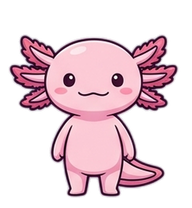
Atla the axolotl, the Digital Atlantis mascot: types along on a tiny laptop, celebrates when your AI finishes, and naps with the best of them.

Bamboo the baby panda: a round little bundle that types, reads, cheers and takes very serious naps.

Biscuit the golden puppy: wags along while you type, does a happy dance when your work is done and curls up for puppy naps.
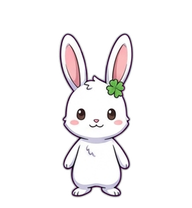
Clover the bunny: hops along your screen, wiggles her nose at your cursor and dreams in a fluffy curl.
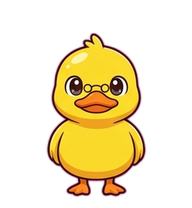
Debug Duck: explain your bug to it and it listens. Quacks along while your AI works and celebrates when it's done.
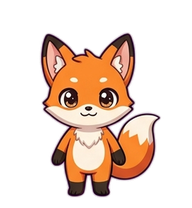
Ember the fox kit: quick on her paws, curious about your cursor and very proud of her bushy tail.

Frosty the snowman: a winter friend for December. Waves with his twig arms and dances when your AI finishes.
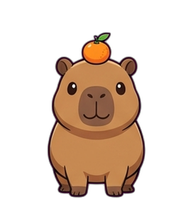
Kapi the capybara: the calmest pet there is. Keeps you company, tangerine on its head.
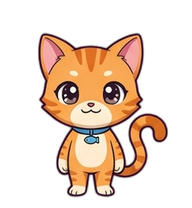
Mochi the tabby kitten: watches your mouse, taps away on a tiny laptop and naps in a little ball with a sleepy bubble.
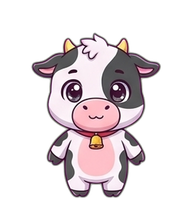
Moo the baby cow: rings her little bell, types along on a tiny laptop, dances when your AI finishes and naps whenever she can.

Nibbles the hamster: puffy cheeks, tiny paws and endless energy, until it is nap time.

Pip the penguin chick: waddles across your desktop in a tiny red scarf and flaps with joy when you finish.
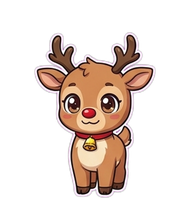
Rudy the reindeer: a festive friend for December, red nose and jingle bell included.
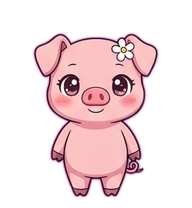
Truffle the piglet: snorts happily at your cursor, types like a pro and snoozes with a big sleepy bubble.
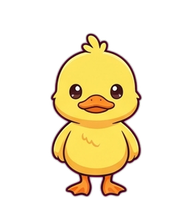
Waddles the duckling: waddles along the bottom of your screen and quacks with joy when your AI finishes.
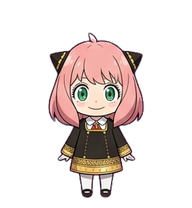
Chibi Anya (Spy x Family fan art): reads minds, loves peanuts and spies. Waku waku!
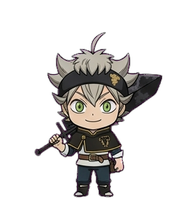
Chibi Asta (Black Clover fan art): no magic, all muscle, and he will become the Wizard King.
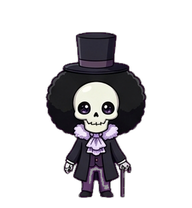
Chibi Brook (One Piece fan art): the Straw Hats' musician. Yohohoho!
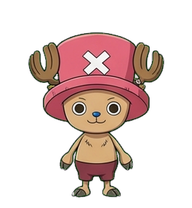
Chibi Chopper (One Piece fan art): the crew's little doctor. Compliment him and he'll dance.

Chibi Franky (One Piece fan art): the Straw Hats' shipwright. SUPER!
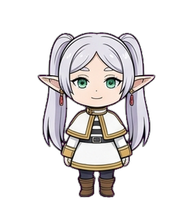
Chibi Frieren (Frieren fan art): a calm elf mage who collects silly spells and naps a lot.

Chibi Gojo (Jujutsu Kaisen fan art): the strongest pet on your desktop, and he knows it.

Chibi Goku (Dragon Ball fan art): powers up while you type, cheers when your work is done and naps like a true Saiyan.

Chibi Ichigo (Bleach fan art): guards your desktop with his giant sword and a serious frown.

Itachi Uchiha — walks in a trail of crows and bursts into them when annoyed.

Chibi Jinbe (One Piece fan art): the Straw Hats' helmsman and Knight of the Sea.
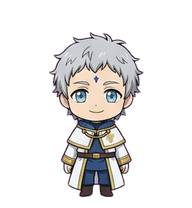
Chibi Julius Novachrono (Black Clover fan art): the Wizard King, who loves every kind of magic.

Chibi Kakashi (Naruto fan art): late, relaxed and reading, until the Chidori comes out.

Chibi Light Yagami (Death Note fan art): just as planned. Takes notes while you work.

Luffy in Gear 5 — a gatling barrage of fists while you type, and a sleep bubble when he dozes off.
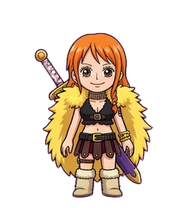
Chibi Nami in her Elbaf outfit (One Piece fan art): the Straw Hats' navigator. Thunderbolt Tempo, and money in her eyes.

Chibi Naruto (Naruto fan art): never gives up on your to-do list, believe it!
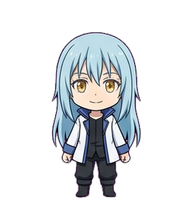
Chibi Rimuru (Slime fan art): the friendliest demon lord, keeping your desktop calm and cosy.
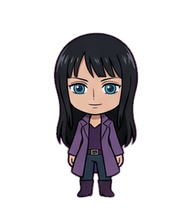
Chibi Nico Robin (One Piece fan art): the Straw Hats' archaeologist. Hana Hana, and a good book.

Chibi Zoro (One Piece fan art): slashes through your work with three swords, trains non-stop, naps anywhere and gets lost on the way back.

Chibi Taro Sakamoto (Sakamoto Days fan art): retired legend, kind shopkeeper, deadly with a ballpoint pen.

Chibi Sanji (One Piece fan art): the Straw Hats' cook. Diable Jambe, and hearts for eyes.
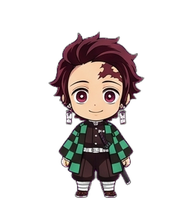
Chibi Tanjiro (Demon Slayer fan art): kind, hard-working and always cheering you on.
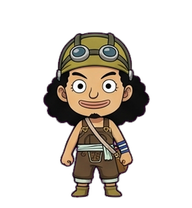
Chibi Usopp (One Piece fan art): the Straw Hats' sniper and the bravest liar of the sea.
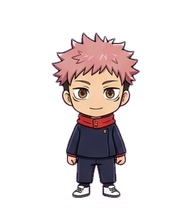
Chibi Yuji Itadori (Jujutsu Kaisen fan art), with Sukuna inside: Black Flash, and sometimes the King of Curses takes over.
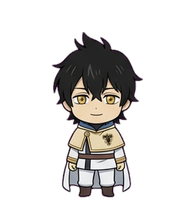
Chibi Yuno (Black Clover fan art): calm, gifted and racing Asta to become the Wizard King.
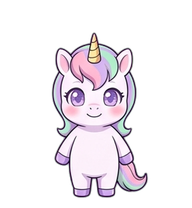
A tiny pastel unicorn who types along with you, cheers when you finish, and naps when you're away. Just don't poke it too much.
Two minutes, no administrator password. Your computer goes first.
Prefer the installer? Download Desktop Pets Setup.exe (2.9 MB) and open it. If Windows shows "Windows protected your PC", click More info → Run anyway (it appears only because the installer is new). Remove the app any time from Settings → Apps → Installed apps → Desktop Pets.
curl -fsSL https://digitalatlantis.software/pets/install-mac.sh | bashA desktop pet is a small animated character that lives on your computer screen, on top of your windows. Desktop Pets is our free desktop pet app for Windows and Mac: your pet walks along your windows, types along with you, follows your mouse with its eyes, talks back in little speech bubbles and naps when you step away.
Yes. Desktop Pets and every pet in the library are free, with no ads. You don't need an account to use it; a free Digital Atlantis account is only for sharing pets you make.
Windows 10 and 11 (from the Microsoft Store or the installer) and macOS 13 or later. It installs just for you, without an administrator password.
More than 40 so far: animals like a kitten, puppy, bunny, panda, fox, penguin, hamster and capybara, our own Atla the axolotl and Debug Duck, and chibi fan art of anime heroes. New pets arrive in the library regularly, and the ones you have update by themselves.
No. Clicks pass through around it, it hides during calls, presentations and full-screen videos, and it only notices when you type, never what you type.
Yes. Draw a sprite sheet with 192 × 208 pixel frames, choose New Pet from Sprite Sheet in the app and make a package. Share it with a free account and the best ones join the library.
Yes. Your pet shows when Claude, Codex, Copilot, Cursor and other AI agents are working, and celebrates when they finish.
Any character works. Draw a sprite sheet (192 × 208 px frames), choose New Pet from Sprite Sheet in the app, then Make Package. Sign in to Desktop Pets with a free Digital Atlantis account and your new pets are sent to us, so the best ones can join the library for everyone.